
Managing multiple weddings
Switch between the weddings you manage from a single dashboard without losing context.
As a professional planner, you're usually managing several couples at once. Trouwplan is built around that from the start rather than treating you like a single-wedding user.
Your weddings list
Your dashboard lists every wedding you manage, whether you created it yourself or were invited into a couple's existing wedding. Each entry shows a quick summary — ceremony date, guest count, and how things are progressing — so you can see the state of your whole client list at a glance.
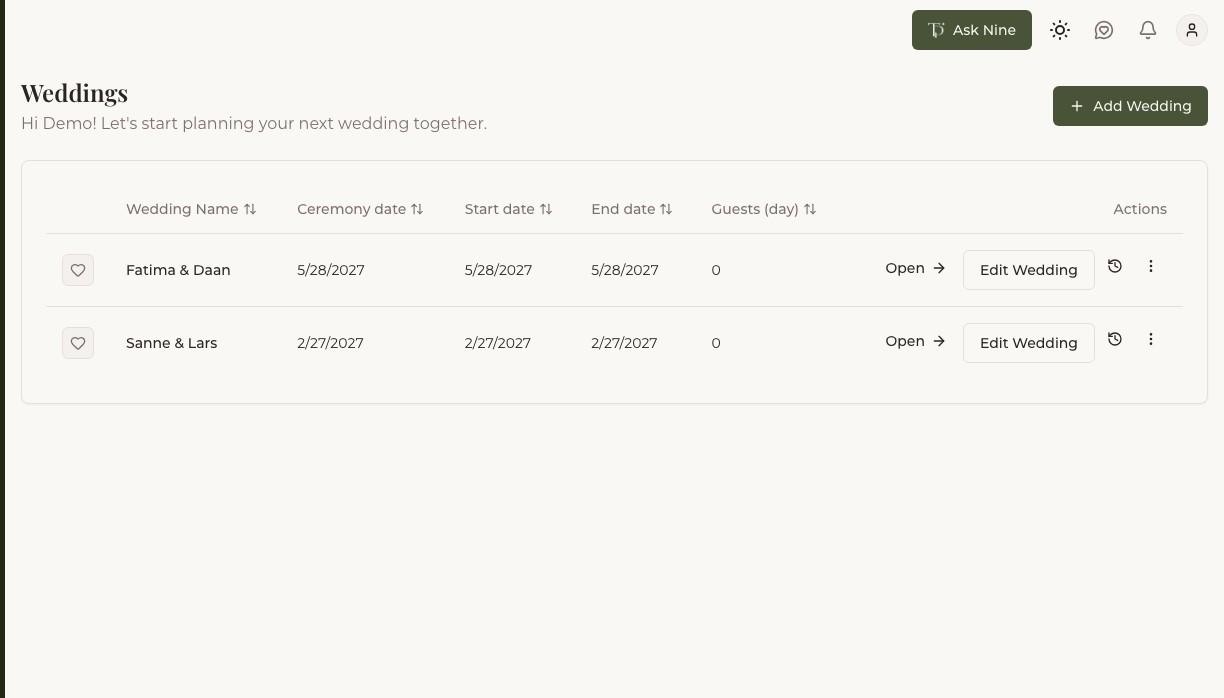
Switching between weddings
Open any wedding from the list to work on it — guest list, budget, checklist, seating, and everything else scoped to that wedding specifically. Switching to a different wedding doesn't affect what you were doing in the last one; each wedding keeps its own state, so you can move between clients throughout the day without losing your place.
Creating a new wedding for a client
Create a new wedding the same way you would for your own — give it a name and, if known, a ceremony date — then invite the couple so they have visibility into the plan you're building for them.