
When you're planning several weddings at once, the biggest time sink is rarely the planning itself — it's switching between documents, emails and loose lists just to remember what's going on with which couple. Here's a different approach, with the result being more oversight and letting you focus fully on the couple and their big day.
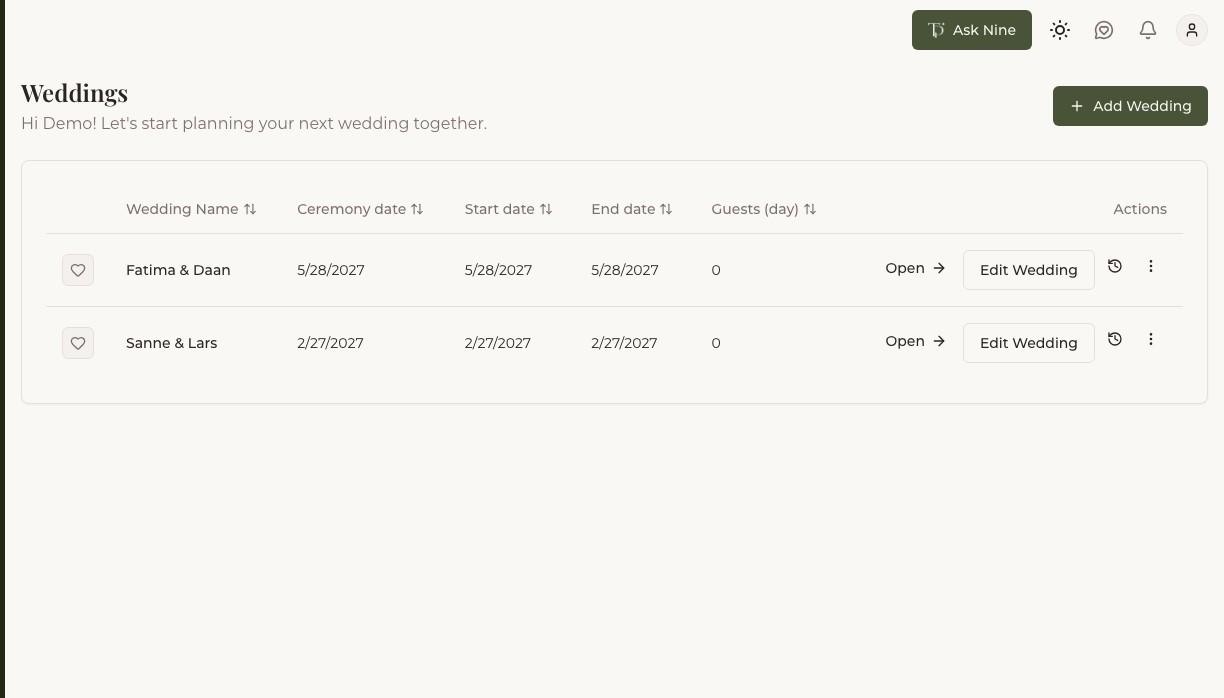
One workspace for every wedding
Instead of starting a new folder, a new document and a new email thread for every couple, it works best to have one overview where every wedding has its own place, but within the same structure. That way you never have to remember where you saved this particular couple's guest list, and you can switch between couples in a single click without losing your train of thought.
How Trouwplan helps with this
Every wedding gets its own workspace inside the same dashboard — guests, budget, checklist, suppliers and running order, all in the same layout, for every wedding. Switching weddings takes one click, not a search.
From scattered spreadsheets to one system
A spreadsheet or a document works fine as long as you're the only one touching it and nothing changes. The moment a couple wants to edit something themselves, a supplier sends a confirmation that lands somewhere else, or a colleague makes a change you never see, you quickly end up with several different versions of the truth and multiple documents. One central system online fixes that: everyone works from the same data, so an update is instantly visible to everyone, with no new version to circulate.
How Trouwplan helps with this
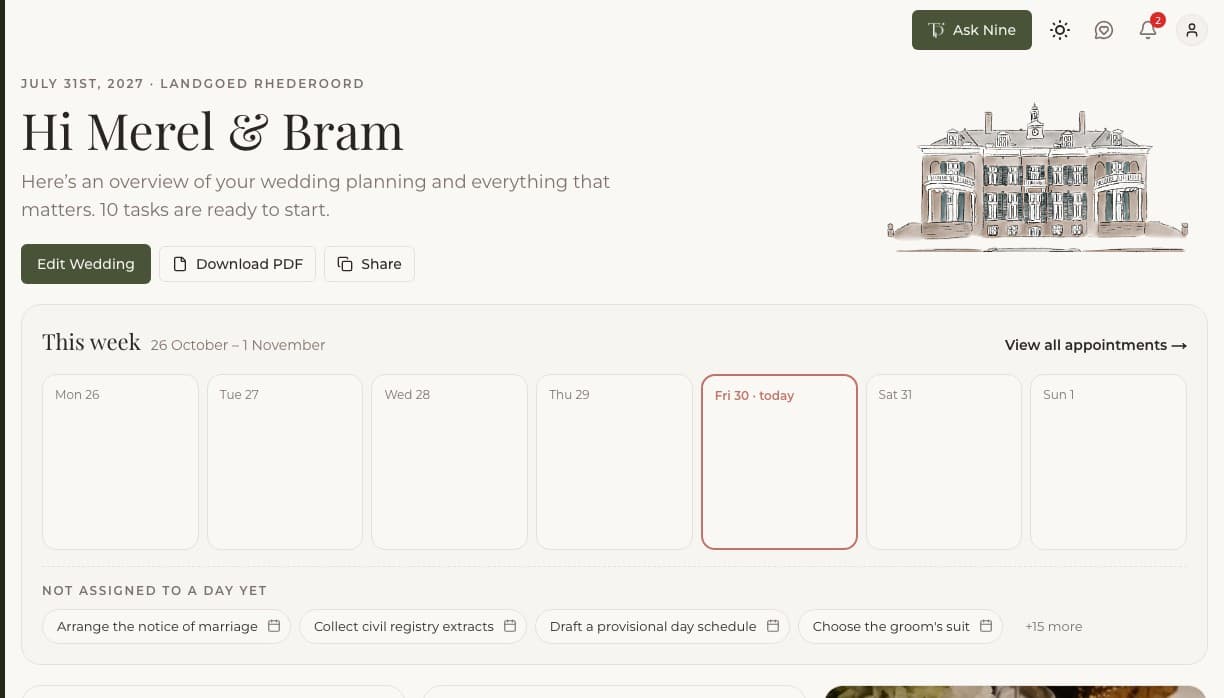
Guest list, budget, checklist and much more all live in one central place per wedding. The moment something changes, you, your couple, and anyone you've given access to see it immediately — no one works from an outdated copy by accident.
Communicating with couples and suppliers
A large part of client contact is the same handful of questions: how's it going, what's still left to do, and when's the next appointment. If couples can see the current status themselves, you'll answer those questions a lot less often — and an update stops being a surprise after the fact.
How Trouwplan helps with this
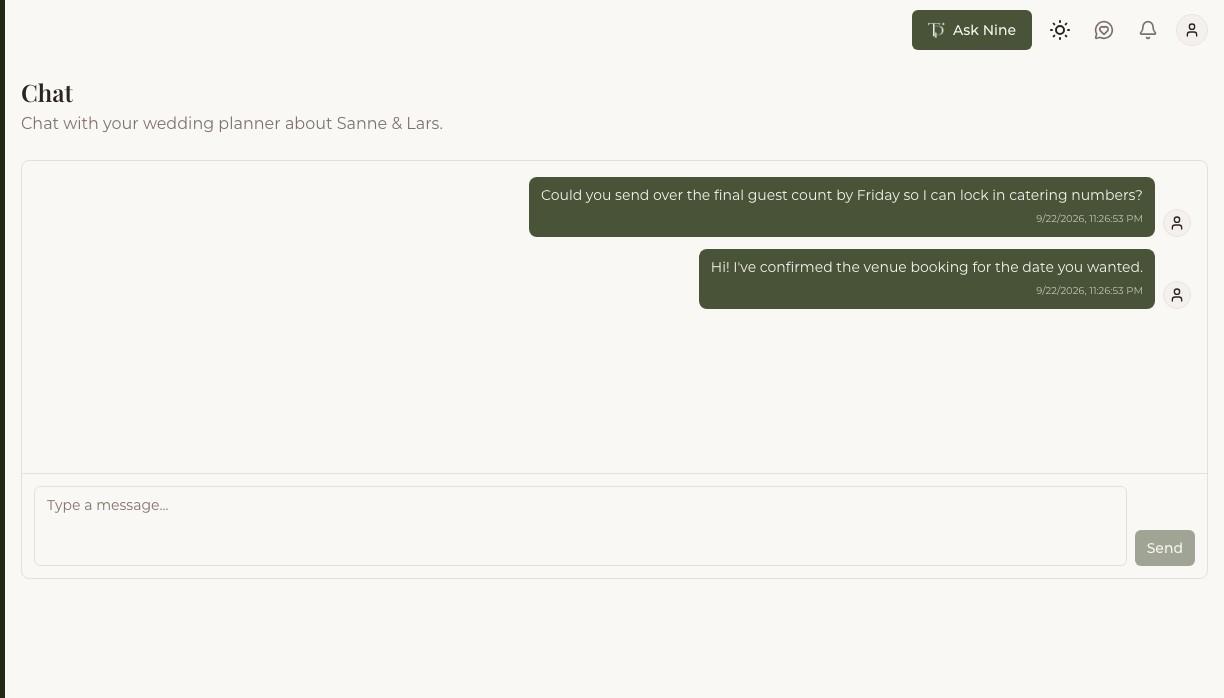
Give your couple direct access to their own wedding, including a chat, the running order and checklist progress. Suppliers you add come with their details straight in the running order.
Working together as a team
The moment you're no longer working alone — a fellow planner, an assistant, or a bigger team within the same agency — it matters even more that everyone works from the same up-to-date information. Who made the last arrangement with the caterer, and is it already in the schedule? Questions like that don't belong in a group chat.
How Trouwplan helps with this
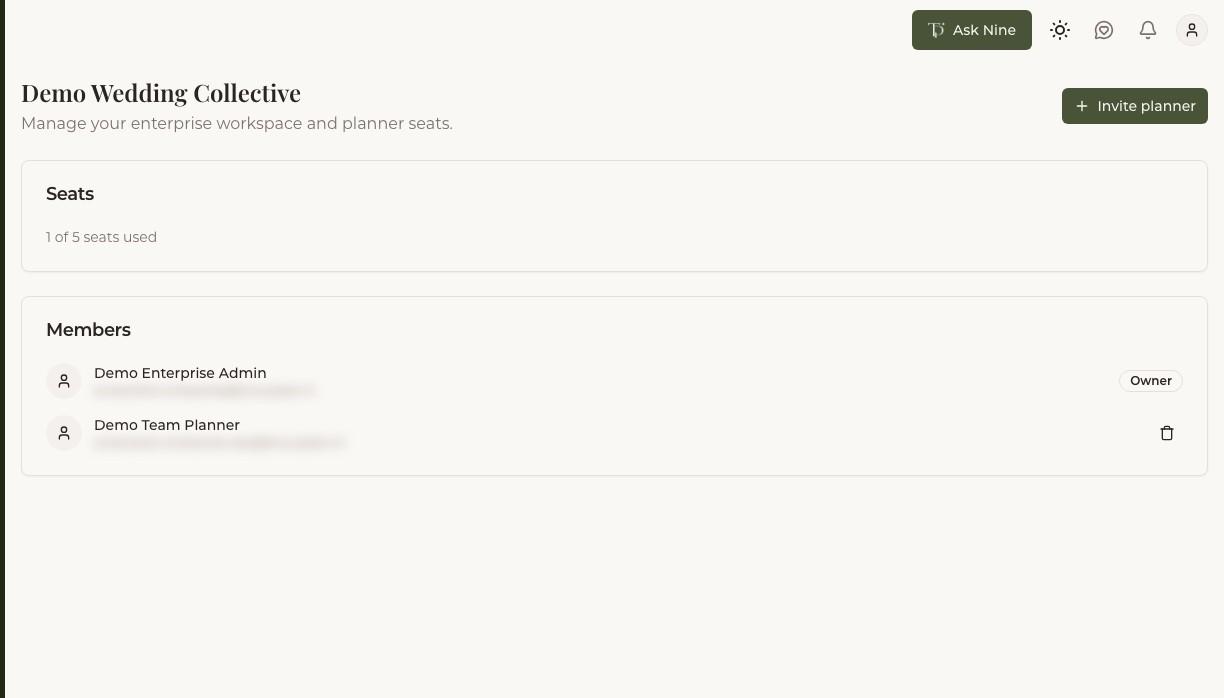
An Enterprise workspace lets several planners share the same weddings, with one shared view across the whole team. Everyone sees the same up-to-date plan, no matter who made the last change.
What it actually saves you
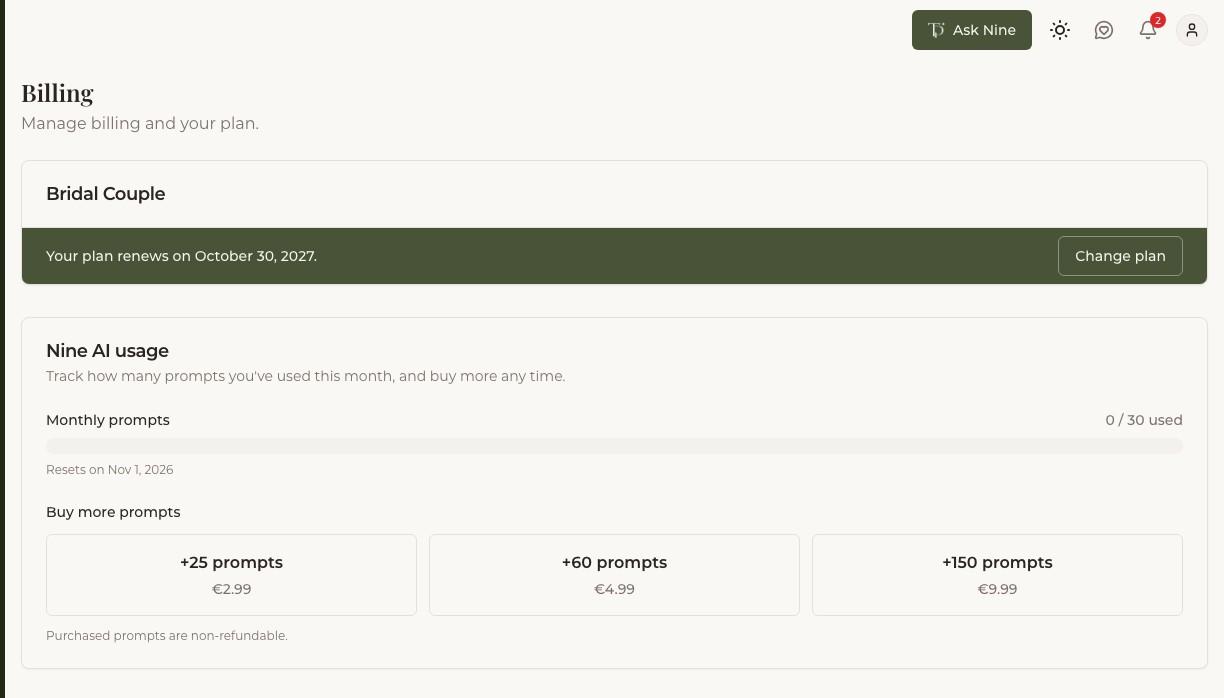
The math is quick to do — Trouwplan saves you both time and money. For example: the standard Planner plan costs €45 a month and covers up to ten weddings at once — that's less than €1.50 per wedding per week, cheaper than a cup of coffee! Weigh that against the time you currently spend updating spreadsheets and documents, keeping track of versions, digging up an email from three weeks ago, or untangling a misunderstanding that started because two people were working from different versions. One missed supplier appointment or one missed deadline can easily cost more time — and more frustration for the couple — than a whole year's subscription.
How Trouwplan helps with this
Start with your first wedding and see the difference for yourself before deciding to scale up. Cancel anytime. As your client base grows, your plan grows with it — from Planner to Planner Pro, or an Enterprise workspace with multiple planners.