
Budget & checklist
Track your wedding budget by category and manage your planning tasks with the checklist.
Budget and checklist are two of the most-used tools in Trouwplan, and they work best kept current rather than updated in one big batch before the wedding.
Setting up your budget
Start by setting an overall budget, then break it into categories — venue, catering, attire, photography, or your own custom categories if the defaults don't fit. As you get quotes and make payments, log them against the relevant category so you always know what's spent, committed, or still unallocated.
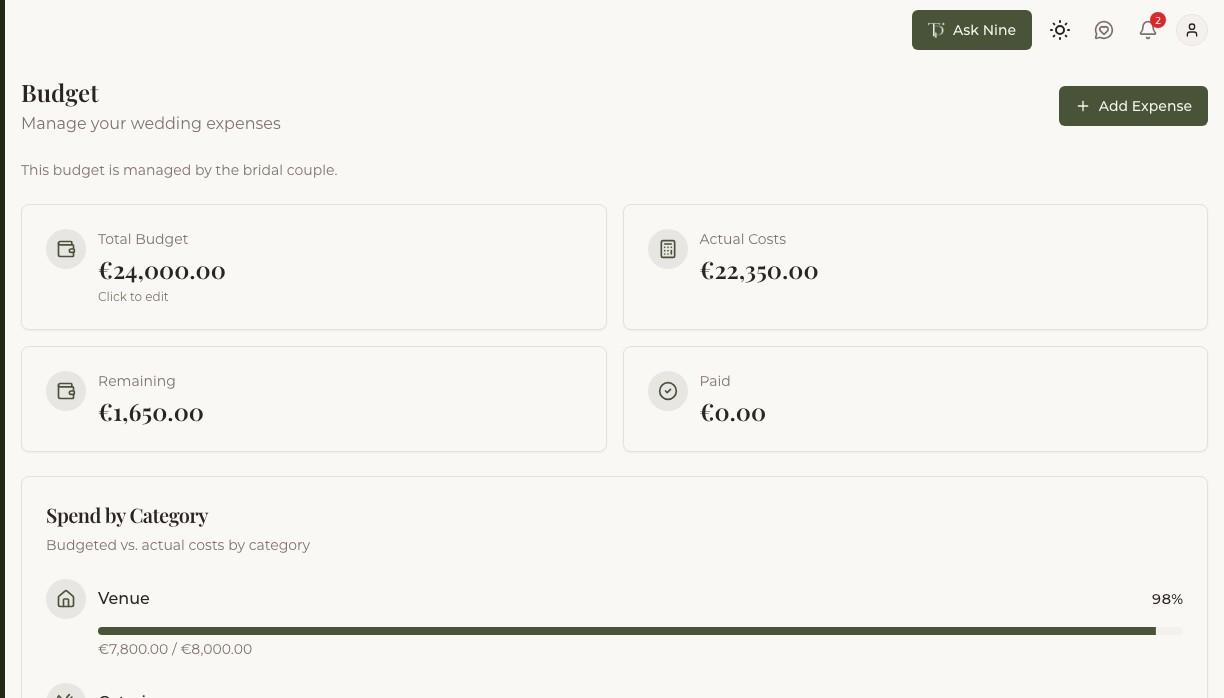
Trouwplan shows your spending against your budget as you go, so a category running over shows up before it becomes a surprise.
Using the checklist
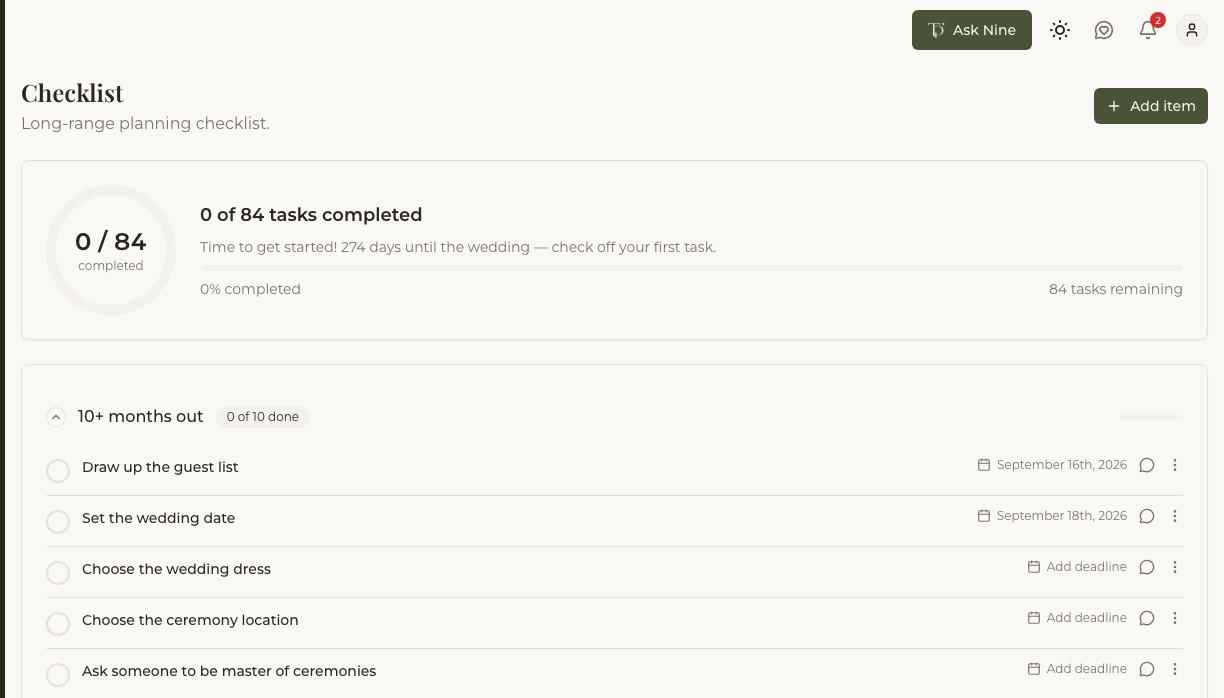
The checklist comes with a default set of wedding-planning tasks and suggested timing, which you're free to edit, reorder, or add to. Assign tasks to specific collaborators — your partner, a planner, or a member of your wedding party — so it's clear who owns what, and mark items done as you go.
Reminders
If you set a checklist item's due date and an RSVP deadline for your wedding, Trouwplan can send email reminders as those dates approach — for open checklist items, and for guests who haven't responded yet.